 Carissa Lee
How to Create Digital Products People Actually Buy
If you've saved 40 tutorials and still haven't made anything, you probably don't need another tutorial. You need a small, sensible plan.
Here's how to create digital products people may actually pay for: start with a problem you understand, choose a format you can finish, test interest before you build, then make, price, and sell a useful first version. No giant course. No "passive income" fantasy. Just a product that helps a specific person do a specific thing.
1. Start with a problem you've already solved
Your first product idea doesn't need to be a lightning bolt. Look for a task you know how to make easier because you've done it yourself, at work, or for someone else.
Ask yourself:
- What do people already ask me for help with?
- What did I have to figure out the hard way?
- What small task do I know how to make clearer or faster?
"Help people start a business" is too broad to build around. "Help a new freelancer collect the details they need before a client kickoff" is much more useful. A focused problem gives you a clear buyer, a clear promise, and a practical way to judge whether your product works.
You don't need to be the world's leading expert. You do need to be honest about what you know and what your product can help someone do.
2. Pick the format you can actually finish
A digital product can be a workbook, template, checklist, guide, spreadsheet, short workshop, or course. Choose based on what solves the problem, and what you can make well, not what's trending this week.
If people need to organize information, a template may help. If they need to make decisions, a guided workbook could be a better fit. If the steps are hard to follow without explanation, a short video lesson might make sense.
Start with the simplest format that delivers the job. You can add bells and whistles after you know they're useful. Nobody needs a 17-part video series to learn how to prepare for a first client meeting.
3. Build version one small (here's a real scope)
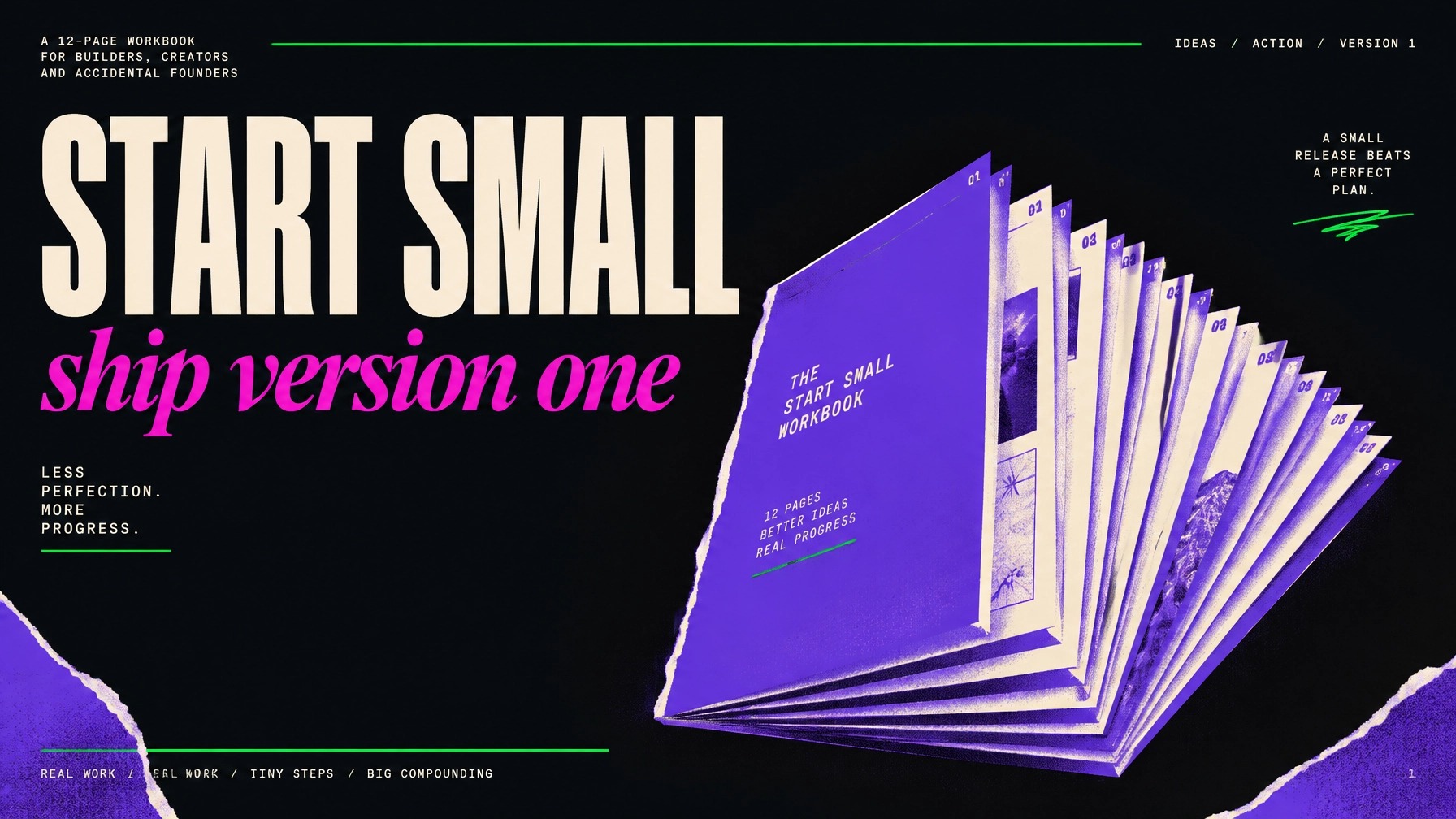
Imagine you've noticed that new freelance designers often feel unprepared before a client kickoff. A first product could be a 12-page client onboarding toolkit for $19.
It might include:
- A one-page "what this toolkit does" guide
- A project-prep checklist
- A client information worksheet
- A project goals worksheet
- A timeline planning page
- A kickoff meeting agenda
- A file and asset checklist
- Three editable email templates
- A page for recording decisions and next steps
That's a real first version, not an entire freelance business-in-a-box. Keep the promise narrow, make the instructions clear, and test the files on a phone and computer before delivery.
A first version can take a weekend to two weeks, depending on the format, your available hours, and how polished it needs to be. Set a finish line: "I'll make the toolkit, test it with a few people, and publish it by next Sunday." Not "I'll work on it until it feels like it could win an award."
4. Validate it before you spend a weekend on it
Validation means looking for evidence that the problem matters to potential buyers before you invest time in a full build. Compliments are nice. Specific behavior is more useful.
Talk to a handful of people who fit your intended audience. Ask about the last time they dealt with the problem, what they did, what was frustrating, and whether they've already paid for a tool or workaround. Don't pitch your idea in the first sentence; you want to understand their problem, not collect polite "That sounds amazing!" reactions.
Then show a simple product description, a sample page, and a real price. Ask if they'd buy it, join a waitlist, or pay for a clearly described early version. Be transparent about what's included, when it will arrive, and your refund terms if you take preorders.
If nobody understands the offer, that's useful information. Adjust the problem, promise, format, or audience before you make more pages.
5. Price it like a product, not a favour
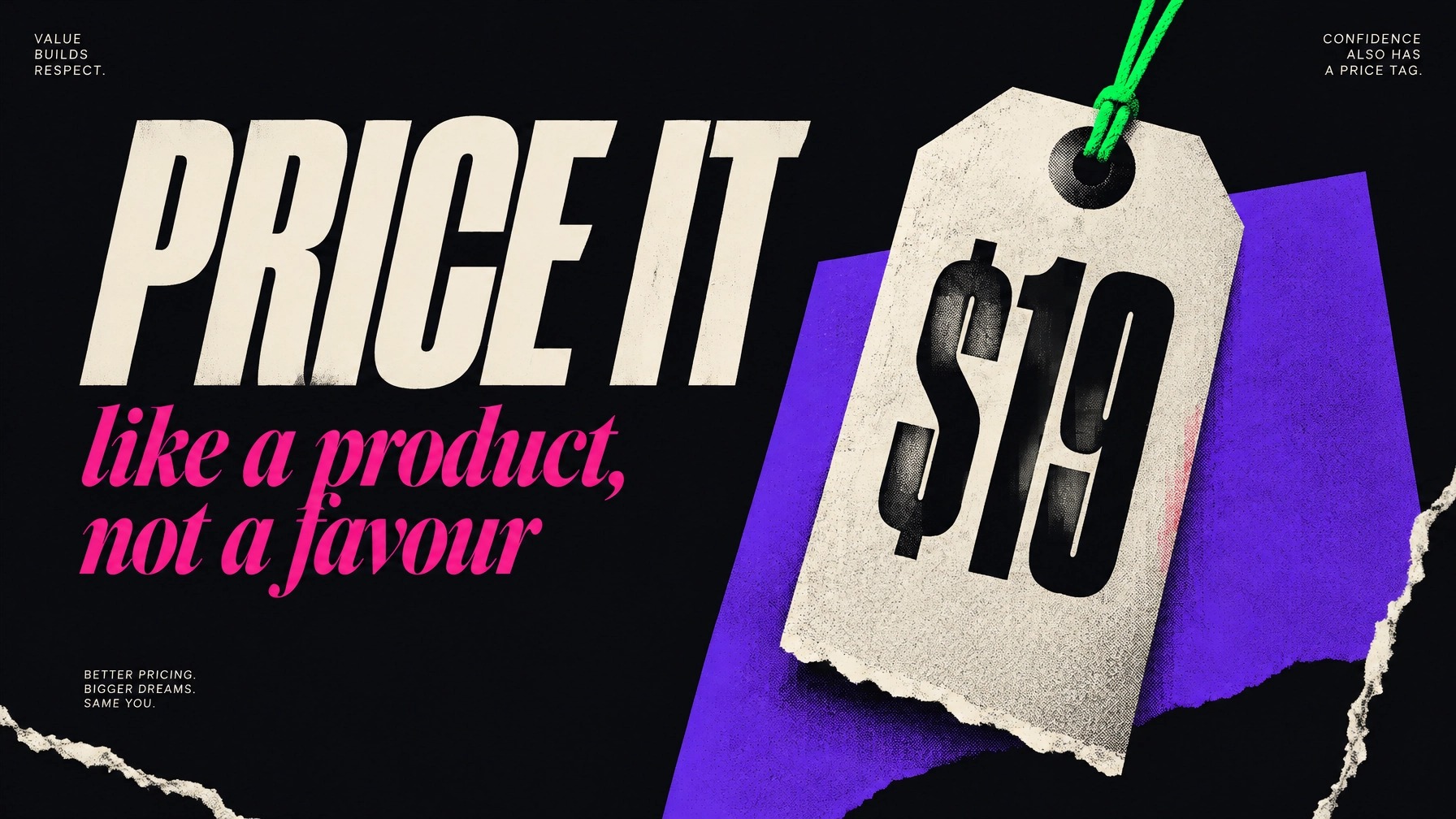
A low price can feel like the safest choice, but $7 isn't automatically easier to sell, or more worthwhile to make. Price based on the usefulness of the product, how specific it is, and what it helps the buyer do. Page count alone is not a pricing strategy.
As a starting point, a small, focused download might sit around $9–$19, while a useful toolkit or workbook could be $19–$49. These are test points, not rules. Your audience and the product's value matter.
For a real example, Carissa Lee Academy's Digital Business Starter Kit is a 60-page PDF with 51 worksheets, offered for $27. That's a clearly defined product and price, not proof of any sales result.
6. Put it somewhere people can buy it
You don't need a custom website to make your first product available. A digital-product storefront can host a sales page, take payment, and deliver a download. Compare current terms before you choose; platform fees can change.
For example, Gumroad's pricing lists no monthly fee, with a 10% + $0.50 fee on direct sales and a 30% fee for sales through its Discover marketplace. On a $19 direct sale, that's $2.40 in platform fees, leaving $16.60 before other costs.
Payhip's pricing lists a free plan with a 5% transaction fee; payment processing through Stripe or PayPal is additional. Stripe lists standard U.S. domestic card processing at 2.9% + $0.30 per successful transaction in its pricing details. Fees and rates may vary by location and payment method.
The practical basics are the same wherever you sell: include a clear product description, show what's inside, state the file format, explain how delivery works, and test the checkout and download yourself. Track sales and buyer questions so you know what to improve.
7. Use AI for speed, not for thinking
AI can help you outline a workbook, draft a first pass of instructions, brainstorm examples, or explore visual concepts. It can also help you spot repeated sections or turn a messy list into a more usable structure.
But it can't decide whether your product solves a real problem, whether your advice is accurate, or whether a page makes sense to the person using it. Review every claim, rewrite generic copy, and check any facts or instructions. Use AI as an assistant, not as the product's expert, designer, or quality-control department.
8. The five mistakes that kill first products
- Building before validating. A polished product nobody asked for is still a product nobody asked for.
- Making version one too big. Finish a useful first edition before adding every feature you can imagine.
- Pricing at $7 just to "get started." Choose a price you can explain, then test it with the right audience.
- Choosing a format because it's trending. Make the thing that fits the problem and your skills, not the thing social media says is hot.
- Building a 40-module course first. Start with one helpful product. Let real buyer questions show you whether a course is even needed.
9. FAQ
What digital products are easiest to create?
Usually, the easiest first product is a format you already know how to make that solves a specific, small problem. A checklist, template, short guide, or simple workbook can be easier to scope than software or a full course. "Easy" still means useful, clear, and tested.
How much does it cost to start selling digital products?
You can start with a small budget if you use tools you already have and a platform without a monthly fee. You'll still need to account for transaction or payment-processing fees, and you may choose to pay for design or other tools. Check current platform pricing before you commit.
Can you create digital products with no experience?
You can start without experience selling digital products. Begin with a problem you've personally worked through or a skill you can demonstrate. Keep your promise within what you know, ask potential buyers for feedback, and improve the product as you learn.
If you want a step-by-step way to explore your idea, shape an offer, and plan a first product, visit the Carissa Lee Academy or explore The Blueprint™. Carissa Lee brings 12+ years of creative and digital business experience and has served 27,475+ clients since 2014. This is practical education, not a promise of income or sales.
Want a low-pressure place to begin? Get the free Phase 00 workbook and start with what you already know.
Keep reading